Allowlist for Chrome
Block every website except the ones you need.
Pick your sites and press start. Everything else waits behind a calm page until your focus ends.
- Free
- No account
- Your focus data stays on your device
Why a block list never ends
There are too many sites to block. Block one and the next one lights up: a news site, a shop, a forum you forgot existed. A block list only covers the distractions you already know about.
An allowlist starts from the other side. You name the handful of sites your work needs, and nothing else gets through.
How it works
- Pick your sites
Open Focusium and search your browsing history to add the sites you need, like your course page, your documents or your notes.
- Choose how long
Until I stop, a set number of minutes, or sessions of focus and rest, for example 25 minutes on and 5 off, four times.
- Press start
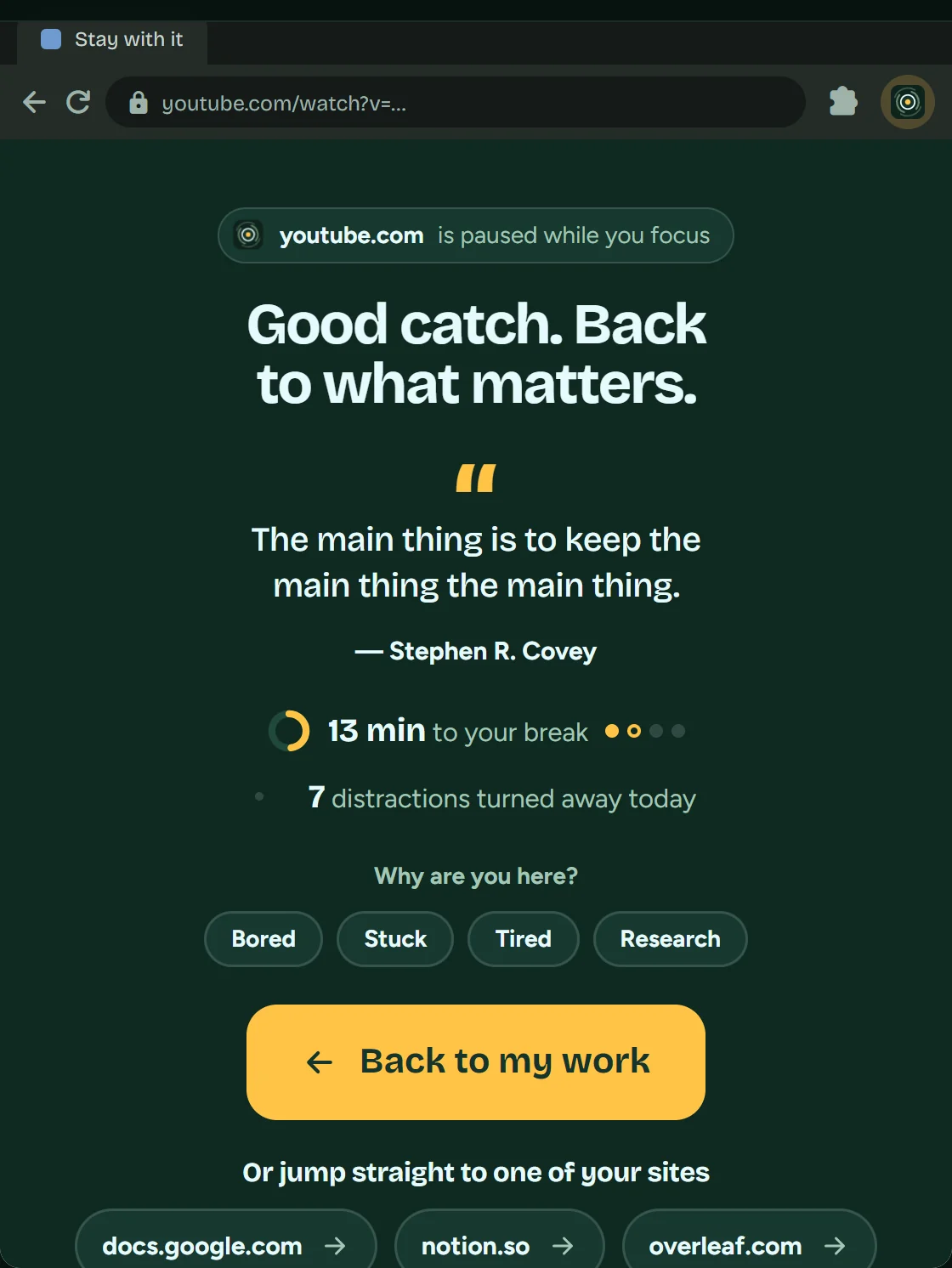
Your chosen sites open with all their pages. Any other site waits behind a calm pause page until your focus ends.
What still gets through
- A video linked from one of your sites, like a lecture on YouTube, still opens. You don’t need to add YouTube to your list.
- Forgot a site? Add it during your focus by searching your history in the popup.
- If you start without choosing any sites, the tabs you had open at the start stay open for that focus.
- The pause page can take you straight back to one of your sites.
When you need to stop
You can always stop a focus. In the first minute it stops right away. After that, a timed focus asks for a 30-second breath first and offers a break instead. Then it’s your call.
Questions
Is Focusium free?
Yes. There’s no account to make and there are no ads.
Do I have to add every page of a site?
No. A site you choose opens with all its pages.
Where is my list saved?
In Chrome on your computer. Your sites, settings and stats stay on your device.
Ready when you are.
Add Focusium to Chrome, choose the sites you need and begin.
Add to Chrome, it's free- Free
- No account
- Your focus data stays on your device